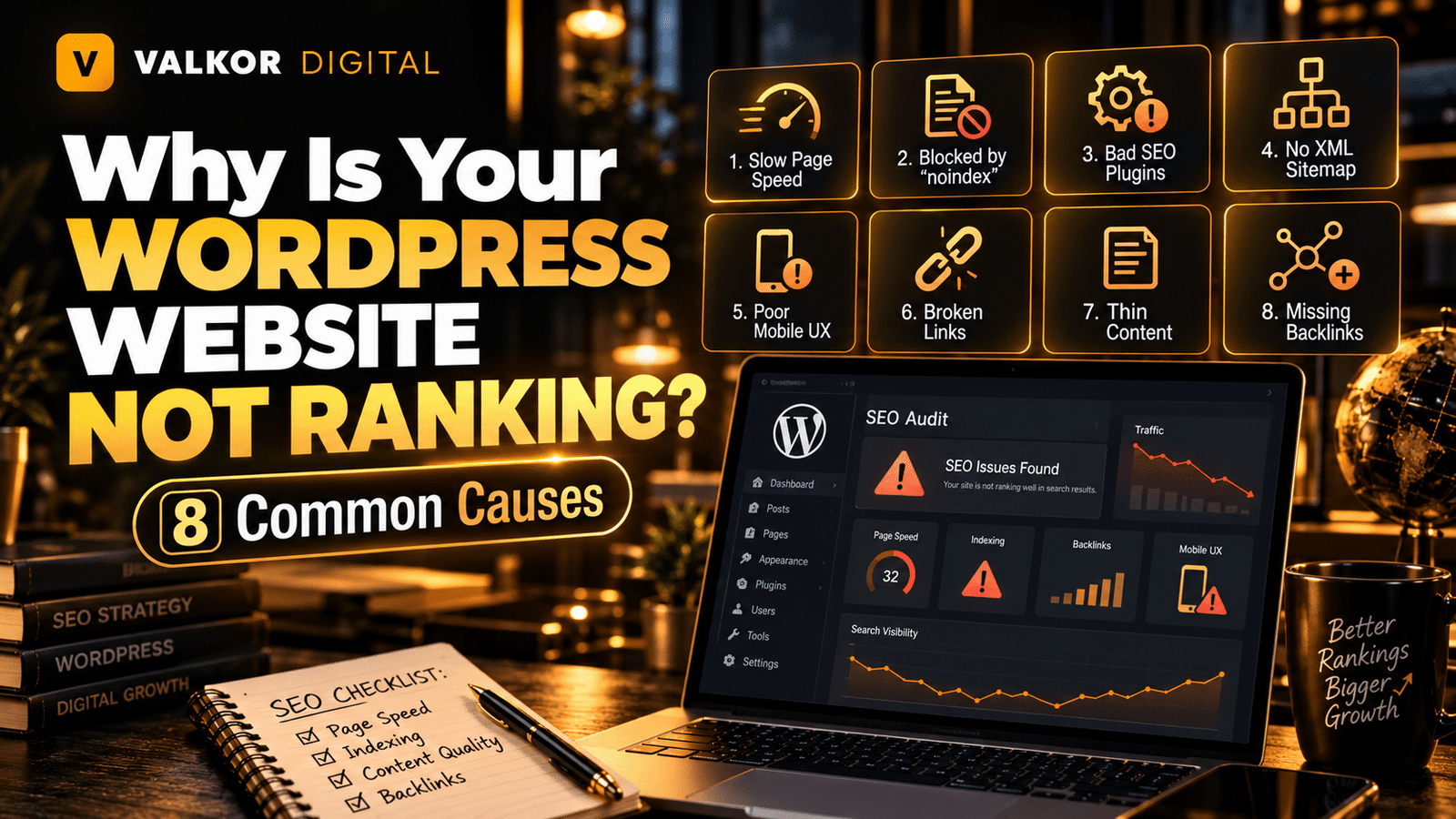
Having a WordPress website does not automatically guarantee visibility on Google. You may have published useful content, installed an SEO plugin, and designed a professional website, yet your pages may still struggle to appear in search results.
If you are wondering why your WordPress website is not ranking, the problem could be related to indexing, technical SEO, content quality, keyword targeting, website speed, or competition. In some cases, several issues may be affecting your website at the same time.
The good news is that most SEO problems can be identified through a structured review. This guide explains eight common reasons WordPress websites struggle to rank and the practical steps you can take to address them.
1. Your Website or Pages Are Not Indexed by Google
One of the first things to check when your WordPress site is not ranking is whether Google has indexed the relevant pages.
Indexing means Google has processed a page and stored it in its search index. A page that is not indexed generally cannot appear in Google’s organic search results.
Why indexing problems happen
Common causes include:
- Accidentally enabling the WordPress search engine visibility setting.
- Adding a
noindexdirective to important pages. - Blocking URLs through robots.txt rules.
- Publishing pages that Google has not discovered or crawled.
- Using incorrect canonical tags.
- Having redirect errors or server accessibility problems.
How to fix indexing issues
First, open Google Search Console and inspect the affected URL using the URL Inspection tool. Review whether Google can access the page, whether the page is indexed, and whether any indexing issue has been reported.
In WordPress, check Settings → Reading and make sure the option that discourages search engines from indexing the site is not enabled on a live website.
Also review your SEO plugin settings, robots.txt rules, canonical tags, and XML sitemap. Submit your sitemap through Google Search Console if it has not already been submitted.
Remember that submitting a sitemap does not guarantee indexing. Google decides which pages to index based on several factors, including accessibility, quality, and usefulness.
2. Your Keyword Targeting Does Not Match Search Intent
Your website may target relevant keywords but still fail to rank because the content does not satisfy what searchers want.
Search intent is the purpose behind a search query. Someone searching for information may want a detailed guide, while someone searching for a service may expect a service page with clear details and a way to get in touch.
For example, a person searching for “how to improve WordPress speed” probably wants instructions. A person searching for “WordPress technical SEO agency” may be looking for a professional service provider.
Creating the wrong type of page for a keyword can make it difficult to compete.
How to fix keyword targeting
Start by identifying the main keyword for each important page. Search for that keyword on Google and examine the types of pages that commonly appear.
Ask yourself:
- Are the top results guides, service pages, product pages, or comparison articles?
- Does my page answer the main question behind the search?
- Have I covered the related questions a visitor is likely to ask?
- Is the keyword relevant to my business and the purpose of the page?
Choose keywords that match the page’s purpose. Use them naturally in the page title, main heading, introduction, relevant subheadings, and body content.
Avoid repeating the same keyword unnaturally. A useful page that directly addresses search intent is more valuable than content written primarily to include keywords.
3. Your Content Is Thin, Outdated, or Not Helpful Enough
Content quality is another common reason a WordPress website may struggle to rank.
Publishing many blog posts does not necessarily improve SEO if those posts provide little value. Pages with vague explanations, outdated advice, repetitive information, or incomplete answers may struggle to satisfy visitors.
Content can also become less useful as products, services, technologies, and customer expectations change.
How to improve your content
Review your important pages and ask whether they provide enough useful information for the intended audience.
You can improve existing content by:
- Answering the main question early in the article.
- Adding practical examples and clear explanations.
- Updating outdated facts, screenshots, and recommendations.
- Removing repetitive paragraphs and unnecessary filler.
- Including relevant supporting questions and topics.
- Demonstrating experience and expertise where appropriate.
- Making service information accurate and easy to understand.
For business websites, make sure service pages explain what the service includes, who it is for, how the process works, and what the visitor should do next.
Do not increase word count simply to make an article longer. Focus on covering the topic properly and helping the reader achieve their goal.
4. Your Website Has Technical SEO Problems
Technical SEO helps search engines discover, crawl, understand, and index website content. A WordPress website can look excellent to visitors but still have technical problems that interfere with search visibility.
Potential issues include broken internal links, redirect chains, incorrect canonical tags, duplicate URLs, crawl errors, and important pages that are difficult to access.
A poorly organized website structure can also make it harder for users and search engines to navigate related pages.
How to identify technical SEO problems
Review your website with Google Search Console and a suitable website crawling tool. Look for:
- Important pages returning errors.
- Broken internal links and unnecessary redirects.
- Duplicate or conflicting canonical URLs.
- Important pages accidentally marked as noindex.
- XML sitemap URLs that should not be indexed.
- Orphan pages that receive no internal links.
- Pages that are difficult to discover through navigation.
Fix issues according to their impact. For example, correcting an indexing directive on an important service page may be more urgent than adjusting a minor URL that receives little traffic.
A structured technical SEO agency review can help identify crawlability, indexing, and site-structure issues that need attention.
5. Your WordPress Website Is Too Slow
Website speed affects the browsing experience. Visitors may become frustrated when pages take too long to load, buttons respond slowly, or layouts shift unexpectedly.
Google also uses page experience signals, including Core Web Vitals, as part of its broader ranking systems. However, good performance scores alone do not guarantee high rankings.
WordPress speed problems can result from oversized images, excessive plugins, heavy themes, poorly optimized scripts, or inadequate hosting resources.
How to improve WordPress speed
Start by testing important pages with Google PageSpeed Insights. Review both mobile and desktop results, paying particular attention to Core Web Vitals.
Useful improvements may include:
- Compressing and resizing images before uploading them.
- Using modern image formats where appropriate.
- Enabling suitable page caching.
- Reducing unnecessary plugins and scripts.
- Using a lightweight, well-maintained theme.
- Improving server response time and hosting configuration.
- Reviewing third-party scripts that delay page rendering.
- Loading below-the-fold images efficiently.
Make changes carefully and test the website after each major update. Caching, optimization, and minification settings can sometimes conflict with themes or plugins.
Prioritize improvements that affect real visitors rather than chasing a perfect score without considering usability.
6. Your Website Is Not Mobile-Friendly
Google primarily uses the mobile version of a website’s content for indexing. If your WordPress website works well on desktop but has missing content, difficult navigation, or usability problems on mobile, it may create SEO and conversion challenges.
Common mobile issues include text that is difficult to read, buttons that are too close together, menus that do not work correctly, and content that extends beyond the screen.
How to fix mobile usability problems
Test important pages on different screen sizes. Check whether visitors can read the content, open the navigation menu, use forms, and access important information without unnecessary zooming or horizontal scrolling.
In WordPress and Elementor, review responsive settings for headings, images, columns, spacing, and buttons.
Also confirm that the mobile version contains the important content and metadata available on desktop. Avoid hiding essential information simply to make the layout look shorter.
A mobile-friendly website should be easy to use, not just visually compressed.
7. Your Website Has Weak Internal Links and Site Structure
Internal links connect one page on your website to another. They help visitors discover related information and help search engines understand how your pages relate to each other.
If important service pages and blog posts receive few internal links, they may be harder to discover. A confusing site structure can also make navigation difficult.
How to improve internal linking
Organize your website around meaningful topics and business services.
For example, a WordPress SEO blog can link to a relevant technical SEO service page when discussing crawling, indexing, and technical fixes. A related article about SEO mistakes can provide additional context for readers who want to investigate other ranking problems.
Follow these practices:
- Link to relevant pages from useful, contextual sections.
- Use descriptive anchor text that explains the destination.
- Connect supporting blog posts to the appropriate service pages.
- Link to important pages from suitable category or hub pages.
- Fix broken internal links.
- Avoid adding excessive links where they do not help the reader.
For example, this article can link to the relevant guide on common SEO mistakes for readers who want to explore other problems that may affect organic visibility.
Internal linking should make the website easier to navigate. Avoid forcing exact-match keywords into every link.
8. Your Website Has Weak Authority or Faces Strong Competition
Even when your WordPress website is technically sound and contains useful content, ranking can remain difficult if competing pages better satisfy the search query or have stronger signals of relevance and authority.
For competitive keywords, established websites may have more useful content, stronger reputations, relevant backlinks, and a more developed collection of related resources.
A new website may also need time to build visibility and demonstrate its value. However, age alone does not determine whether a page can rank.
How to strengthen your website’s competitive position
Start by comparing your page with the search results you want to compete against. Look for gaps in usefulness, topical coverage, trust, and user experience.
Consider these improvements:
- Create genuinely useful content for your target audience.
- Demonstrate real experience and provide accurate business information.
- Earn relevant backlinks through useful resources and legitimate outreach.
- Build supporting content around important topics.
- Update existing pages when the information needs improvement.
- Target relevant, specific keywords where your website has a realistic opportunity to compete.
- Strengthen internal links between related content.
Avoid purchasing spammy backlinks or creating large numbers of low-quality pages in an attempt to manipulate rankings. Focus on sustainable improvements that benefit visitors and support your business goals.
WordPress SEO Troubleshooting Checklist
Use this checklist to begin diagnosing why your WordPress website is not ranking.
- Check the affected URLs in Google Search Console.
- Confirm important pages are allowed to be indexed.
- Review keyword targeting and search intent.
- Improve thin, outdated, or incomplete content.
- Check for crawl errors, broken links, and canonical issues.
- Test website speed and Core Web Vitals.
- Review the mobile version of important pages.
- Improve internal links and site navigation.
- Compare your content with competing search results.
- Track impressions, clicks, indexed pages, and query performance over time.
Fix the highest-impact issues first. There is no need to change every part of your website at once; prioritize problems that affect important pages and address them systematically.
Frequently Asked Questions
1. Why is my WordPress website not showing on Google?
Your website or individual pages may not be indexed, or Google may not yet have discovered them. Technical problems, noindex directives, crawl restrictions, and low-value content can also affect visibility. Use Google Search Console to inspect the affected URLs.
2. How long does it take for a WordPress website to rank?
There is no guaranteed timeline. Results depend on competition, content quality, technical condition, website history, and other factors. Some pages may gain visibility relatively quickly, while competitive keywords can take considerably longer.
3. Does installing an SEO plugin guarantee rankings?
No. SEO plugins can help manage titles, meta descriptions, XML sitemaps, and other settings, but they cannot guarantee rankings. You still need useful content, accessible pages, sound technical SEO, and a strategy that matches search intent.
4. Can website speed affect WordPress SEO?
Yes, performance and page experience can contribute to search visibility, while slow pages can frustrate visitors. However, speed is only one part of SEO, and a faster website is not guaranteed to outrank every competitor.
5. Why are my WordPress blog posts not getting organic traffic?
Possible reasons include targeting keywords with little relevant demand, mismatching search intent, weak content, indexing problems, limited internal links, and strong competition. Review Search Console data to understand whether the posts receive impressions and which queries they appear for.
6. Should I delete WordPress pages that do not rank?
Not automatically. First determine whether each page has useful content, backlinks, traffic, conversions, or a purpose within your website. Depending on the findings, updating, consolidating, redirecting, or retaining the page may be more appropriate than deleting it.
7. Can technical SEO fix all ranking problems?
No. Technical SEO can resolve problems that prevent search engines from accessing, crawling, or understanding your website, but rankings also depend on relevance, content quality, competition, and other signals.
Final Thoughts
If your WordPress website is not ranking, avoid guessing at the cause or installing more plugins without a clear plan. Start with indexing, investigate technical errors, review your content and keyword targeting, and assess website performance and competition.
Use Google Search Console to measure changes and prioritize fixes based on evidence. Improving SEO is an ongoing process, and meaningful progress often comes from addressing several connected issues rather than relying on a single quick fix.
If your website continues to struggle despite these checks, explore Valkor Digital’s technical SEO services to identify potential technical issues and build a more structured optimization plan.