Search engines have moved far beyond simply scanning text and counting keywords. Today, Google evaluates how real users interact with a website, and this is exactly where UI/UX and SEO intersect. A site can have well-optimized content, but if visitors find it confusing, slow, or difficult to navigate, rankings will suffer regardless of how strong the on-page SEO looks on paper. Understanding the relationship between UI/UX and SEO has become essential for any business that wants sustainable visibility in search results.
In this guide, we will break down why website design and SEO are no longer separate disciplines, how user experience ranking factor signals influence your position on search engine results pages, and why Core Web Vitals have become a non-negotiable part of modern SEO strategy.
Understanding the Connection Between UI/UX and SEO
Search engines are designed to serve the best possible answer to a user’s query, and “best” today includes usability. This is why UI/UX and SEO are treated as connected disciplines rather than isolated tasks handled by different teams. When a website is easy to use, visitors stay longer, explore more pages, and are less likely to click back to the search results. Search engines interpret these behaviors as trust signals.
What Search Engines Really Measure
Modern search algorithms track more than backlinks and keyword density. They analyze:
- How quickly a page loads and becomes interactive
- Whether the layout is stable while loading
- How easily users can find what they are looking for
- Whether the site works properly on mobile devices
These factors form the technical and behavioral foundation of UI/UX and SEO, making design decisions just as important as content strategy.
“At Valkor Digital, we specialize in crafting websites where design and SEO work as one strategy, not two competing priorities.”
How Website Design and SEO Work Together
Good website design and SEO go hand in hand because design directly shapes how users and search engine crawlers experience a page. A cluttered layout, inconsistent navigation, or confusing menu structure can hurt both usability and crawlability.
Visual Hierarchy and Navigation
A clear visual hierarchy guides visitors naturally from headline to content to call-to-action. When information is organized logically, users spend more time engaging with the page instead of leaving in frustration. Simple, intuitive navigation also helps search engine bots crawl and index pages more efficiently, which supports better indexing and ranking outcomes.
Mobile Responsiveness
With mobile-first indexing now standard practice, a website that isn’t fully responsive is at a serious disadvantage. Buttons that are too small, text that requires zooming, or layouts that break on smaller screens all create a poor experience. Since website design and SEO are evaluated primarily through the mobile version of a site, responsive design is no longer optional.
User Experience as a Ranking Factor
Google has repeatedly emphasized that a positive user experience contributes to how pages are ranked. This makes user experience ranking factor signals a genuine part of any SEO strategy, not just a design preference.
Engagement Metrics Google Tracks
Search engines observe behavioral patterns such as:
- Dwell time on a page
- Pages visited per session
- Return visits to the same domain
- Interaction with on-page elements
When these metrics trend positively, it signals that the page satisfies user intent, reinforcing its relevance for the target query.
Reducing Bounce Rate Through Better Design
A high bounce rate often points to a mismatch between what users expect and what they actually find. Slow-loading pages, intrusive pop-ups, or poor formatting frequently drive people away within seconds. Thoughtful design choices, clear content structure, and fast-loading pages directly reduce bounce rate and strengthen the user experience ranking factor associated with a domain.
Core Web Vitals: The Technical Backbone of UI/UX and SEO
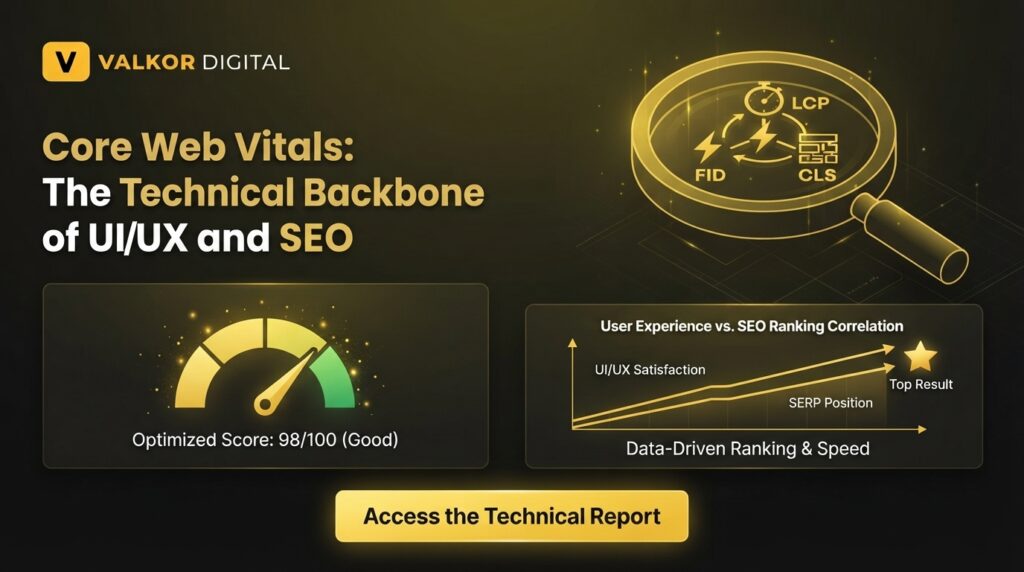
Core Web Vitals are a set of specific, measurable metrics Google uses to evaluate real-world user experience. They provide concrete data behind what might otherwise be treated as subjective design opinions.
LCP, FID/INP, CLS Explained
- Largest Contentful Paint (LCP): Measures how long it takes for the main content of a page to load.
- Interaction to Next Paint (INP): Measures how responsive a page feels when a user interacts with it.
- Cumulative Layout Shift (CLS): Measures visual stability, or how much elements move around while a page loads.
Each of these metrics reflects a different aspect of usability, and together they form a core part of how Google assesses page quality.
How to Improve Core Web Vitals
Improving these scores typically involves:
- Compressing and properly sizing images
- Minimizing unnecessary JavaScript and CSS
- Using reliable hosting and caching solutions
- Reserving space for images and ads to prevent layout shifts
Websites that perform well on Core Web Vitals tend to offer smoother, faster, and more predictable experiences, all of which support stronger search visibility.
Best Practices to Align Website Design and SEO
To make sure design decisions actively support SEO goals, consider the following:
- Prioritize a clean, consistent layout across all pages
- Use descriptive headings that reflect both content and search intent
- Optimize images without sacrificing visual quality
- Ensure fast load times across devices
- Test navigation flows regularly to catch usability issues early
When these practices are applied consistently, website design and SEO stop competing for priority and instead work as a single, unified strategy.
How Valkor Digital Can Help
Balancing aesthetics, functionality, and technical SEO requirements takes specialized expertise. Our team focuses on building websites that are visually engaging while remaining fully optimized for search performance. If your website needs a structural or visual overhaul that supports both usability and rankings, our UI/UX design services are built specifically to bridge that gap, helping your site perform better for users and search engines alike.
Frequently Asked Questions
1. Does UI/UX really affect SEO rankings?
Yes. Search engines use behavioral and technical signals related to usability, such as load speed and engagement, to help determine rankings.
2. What is considered a good Core Web Vitals score?
Generally, a good LCP is under 2.5 seconds, INP under 200 milliseconds, and CLS under 0.1.
3. Can a slow website hurt my search rankings?
Yes. Slow-loading pages often lead to higher bounce rates, which can negatively affect rankings over time.
4. Is mobile responsiveness necessary for SEO?
Absolutely. Since Google primarily uses mobile-first indexing, a non-responsive website can significantly limit visibility.
5. How often should I review my website’s UI/UX for SEO purposes?
It’s recommended to review usability and performance metrics every few months, or whenever significant content or design changes are made.