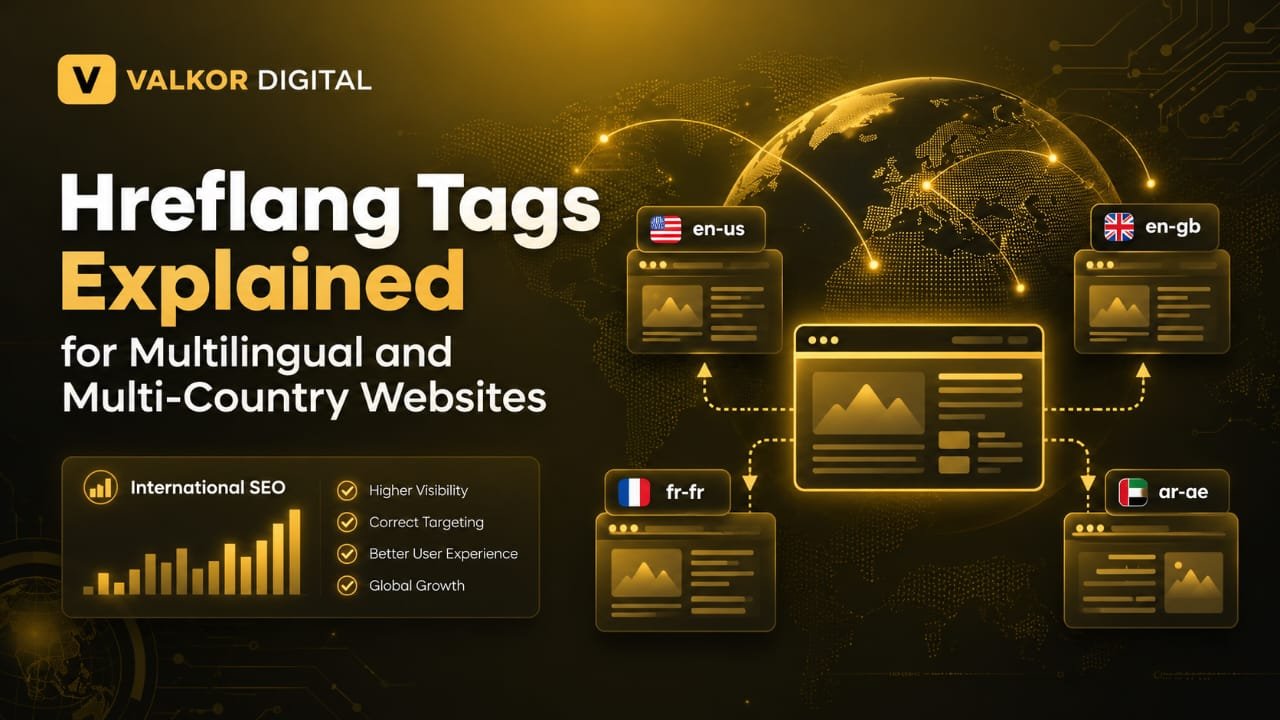
Introduction
If your website targets people in different countries or offers content in multiple languages, you need to help search engines understand which version of a page is intended for each audience. This is where hreflang tags become useful.
For example, imagine you have a website with an English version for users in the United States and another English version for users in the United Kingdom. Although the language is the same, the pages may use different spelling, prices, currencies, or services.
Hreflang tags help Google understand the relationship between these regional and language-specific versions. When implemented correctly, they can help search engines show the appropriate page to users based on their language and region.
In this guide, we will explain what hreflang tags are, why they matter for international SEO, how to implement them, and which common mistakes you should avoid.
What Are Hreflang Tags in SEO?
Hreflang tags are HTML attributes that tell search engines about alternative language or regional versions of a webpage.
They help Google understand which page is intended for users who speak a particular language or come from a specific region.
For example, a website might have these versions of a page:
- An English version for the United States.
- An English version for the United Kingdom.
- A Spanish version for Spain.
- A French version for France.
Each version can use hreflang annotations to identify the other relevant versions.
A basic hreflang tag looks like this:
<link rel="alternate" hreflang="en-us" href="https://example.com/en-us/" />
In this example:
rel="alternate"identifies an alternative version of the page.hreflang="en-us"specifies English for users in the United States.hrefcontains the URL of that alternative page.
Important: Hreflang tags do not automatically translate content or guarantee better rankings. They help search engines understand the intended audience for each page.
Why Are Hreflang Tags Important for International SEO?
International SEO involves optimizing a website for users in different countries or language markets. Hreflang tags can support this process in several ways.
1. They Help Google Understand Language Versions
If your website contains pages in English, Spanish, French, or other languages, hreflang annotations help Google identify the intended language of each version.
This can make it easier for Google to understand the relationship between equivalent pages.
2. They Help Target the Right Regional Audience
Some websites use the same language for multiple countries but provide different content for each market.
For example, a business may display prices in US dollars for American customers and pounds for British customers.
Hreflang annotations can help Google understand which regional version is intended for each audience.
3. They Help Manage Similar Regional Pages
Regional pages can contain much of the same information while differing in currency, spelling, delivery options, or contact details.
Hreflang annotations help communicate that these pages are intended for different language or regional audiences.
However, they do not automatically solve every duplicate-content issue. Each page should still provide useful information for its intended audience.
4. They Support a Better Search Experience
When search engines understand your language and regional versions, users may be more likely to encounter the version that best fits their needs.
For example, a French-speaking visitor may be directed to the French version of your website instead of an unrelated English version.
How Do Hreflang Tags Work?
Hreflang tags connect equivalent pages on your website. Each page identifies its own language or regional version and the other relevant alternatives.
Suppose your business has three equivalent pages:
https://example.com/en/for English.https://example.com/es/for Spanish.https://example.com/fr/for French.
The English page could include these annotations in its HTML head:
<link rel="alternate" hreflang="en" href="https://example.com/en/" />
<link rel="alternate" hreflang="es" href="https://example.com/es/" />
<link rel="alternate" hreflang="fr" href="https://example.com/fr/" />
The Spanish and French pages should also identify all the same alternatives, including themselves.
This is known as reciprocal hreflang implementation. It helps search engines understand that the pages are related alternatives.
For the annotations to work properly, the URLs should be valid, accessible, and point to the intended pages.
How to Implement Hreflang Tags Correctly
There are several ways to implement hreflang annotations. The best method depends on your website platform, size, and technical setup.
1. Identify Your Target Languages and Countries
Before adding hreflang tags, decide which audiences your website serves.
For example:
- English-speaking users worldwide.
- English-speaking users in the United States.
- Spanish-speaking users in Spain.
- French-speaking users in France.
Not every website needs country-specific pages. If you only offer one English version for everyone, you may not need regional hreflang annotations.
2. Use the Correct Language and Region Codes
Hreflang values follow specific language and optional region-code conventions.
Common examples include:
en— English.en-us— English for the United States.en-gb— English for the United Kingdom.es— Spanish.es-es— Spanish for Spain.fr-fr— French for France.
Language codes generally follow ISO 639-1, while regional codes follow ISO 3166-1 Alpha 2.
Use a region code only when you need to distinguish a particular regional audience. For example, en can be suitable for a general English-language page.
Avoid inventing language codes or using a country code where a language code is required.
3. Add Hreflang Tags to the HTML Head
One common implementation method is to place hreflang links in the HTML <head> section of each relevant page.
For example, an English and Spanish website might use the following annotations:
<link rel="alternate" hreflang="en" href="https://example.com/en/services/" />
<link rel="alternate" hreflang="es" href="https://example.com/es/services/" />
<link rel="alternate" hreflang="x-default" href="https://example.com/language-selection/" />
The x-default value identifies a default page for users whose language or region does not match another specified version. It is optional and can be useful for a language-selection page.
Make sure every URL points to the correct equivalent page, not just to the homepage.
4. Make Hreflang Tags Reciprocal
Reciprocal annotations are an essential part of a correct hreflang setup.
If your English page points to the Spanish page, the Spanish page should also point back to the English page. Both pages should include their own URL and the same set of relevant alternatives.
If the annotations are incomplete or inconsistent, search engines may not interpret the intended relationship correctly.
5. Choose a Suitable URL Structure
Websites can organize language and regional versions in several ways.
Country-code domains
Examples:
example.co.ukexample.fr
These can provide a clear country association but may require more domain management.
Subdomains
Examples:
uk.example.comfr.example.com
These separate regional versions into different subdomains.
Subdirectories
Examples:
example.com/en-gb/example.com/fr-fr/
Subdirectories keep regional versions under the same domain and can be easier to manage for some businesses.
No single structure is best for every website. Choose one that fits your business, technical resources, and international expansion plans.
Common Hreflang Mistakes to Avoid
Incorrect hreflang implementation can make it harder for search engines to understand your international pages.
Avoid these common mistakes:
- Missing return links: One page references another language version, but the other page does not reference it back.
- Incorrect language codes: Using invalid or unsuitable language and region combinations.
- Broken URLs: Linking to pages that return errors or no longer exist.
- Pointing every page to the homepage: Each annotation should reference the equivalent version of the specific page.
- Missing self-referencing annotations: Each page should include an hreflang annotation for itself.
- Inconsistent annotations: Different language versions provide conflicting sets of alternatives.
- Assuming hreflang translates content: Hreflang identifies alternatives; it does not translate pages.
- Forgetting to test changes: Failing to validate the implementation after updates can leave errors undetected.
Regular technical SEO checks can help you discover and fix these problems.
How to Check Hreflang Tags on Your Website
After implementing hreflang, review your website to ensure the annotations are accurate and consistent.
Follow these steps:
- Select a page that has multiple language or regional versions.
- Inspect the page’s HTML source or use your SEO crawling tool.
- Check that every hreflang URL is correct and accessible.
- Confirm that each alternative page references the same relevant versions.
- Look for missing return links, invalid codes, and broken pages.
- Recheck the setup whenever you add or remove a language version.
Google Search Console can help you monitor indexing and other search-related issues, although it does not provide a dedicated report for every hreflang implementation error.
For a broader technical SEO review, explore our on-page SEO services.
Hreflang Tags vs. Canonical Tags
Hreflang and canonical tags serve different purposes, so they should not be treated as interchangeable.
Hreflang tags tell search engines about equivalent pages intended for different languages or regional audiences.
Canonical tags indicate which URL is preferred when multiple URLs contain duplicate or very similar content.
For example, an English page and a Spanish translation are generally separate language versions. They should not automatically be canonicalized to one another simply because they cover the same topic.
For international pages, ensure that your canonical and hreflang annotations are consistent with the page relationships you want search engines to understand.
Frequently Asked Questions About Hreflang Tags
What is the main purpose of hreflang tags?
Their main purpose is to help search engines understand the language and regional audience of alternative versions of a webpage.
Are hreflang tags a Google ranking factor?
Hreflang is not a guarantee of higher rankings. It helps Google understand language and regional page relationships so it can better identify appropriate versions for users.
Do small websites need hreflang tags?
Not every website needs hreflang. It is mainly useful when you have equivalent pages targeting different languages or regional audiences.
Can I use hreflang without translating my entire website?
You can use hreflang for regional versions in the same language, such as US and UK English. However, each page should genuinely serve its intended audience.
Should I use hreflang and canonical tags together?
Yes, when appropriate. They serve different purposes. Each language or regional version will generally have a canonical URL pointing to its own preferred URL, alongside hreflang annotations connecting equivalent versions.
Conclusion
Hreflang tags are an important part of international SEO for websites that serve multiple languages or countries. They help search engines understand which page versions are intended for different audiences and can improve the chances of users finding the appropriate version in search results.
To implement hreflang correctly, choose suitable language and regional codes, use accurate URLs, include reciprocal annotations, and test your setup regularly.
Remember that hreflang tags are only one part of international SEO. You should also provide useful localized content, maintain a clear website structure, and ensure that each page meets the needs of its target audience.
By following these practices, you can make your multilingual website easier for search engines to understand and more useful for international visitors.