Many business owners assume that a visually appealing website is enough to keep visitors engaged and satisfy search engines. However, how a website performs technically often matters just as much as how it looks. This is where Core Web Vitals come into play, a set of measurable standards Google uses to evaluate the real-world experience of visiting a website.
This guide breaks down what Core Web Vitals are, why they matter, and how business owners without a technical background can understand and improve them.
What Are Core Web Vitals?
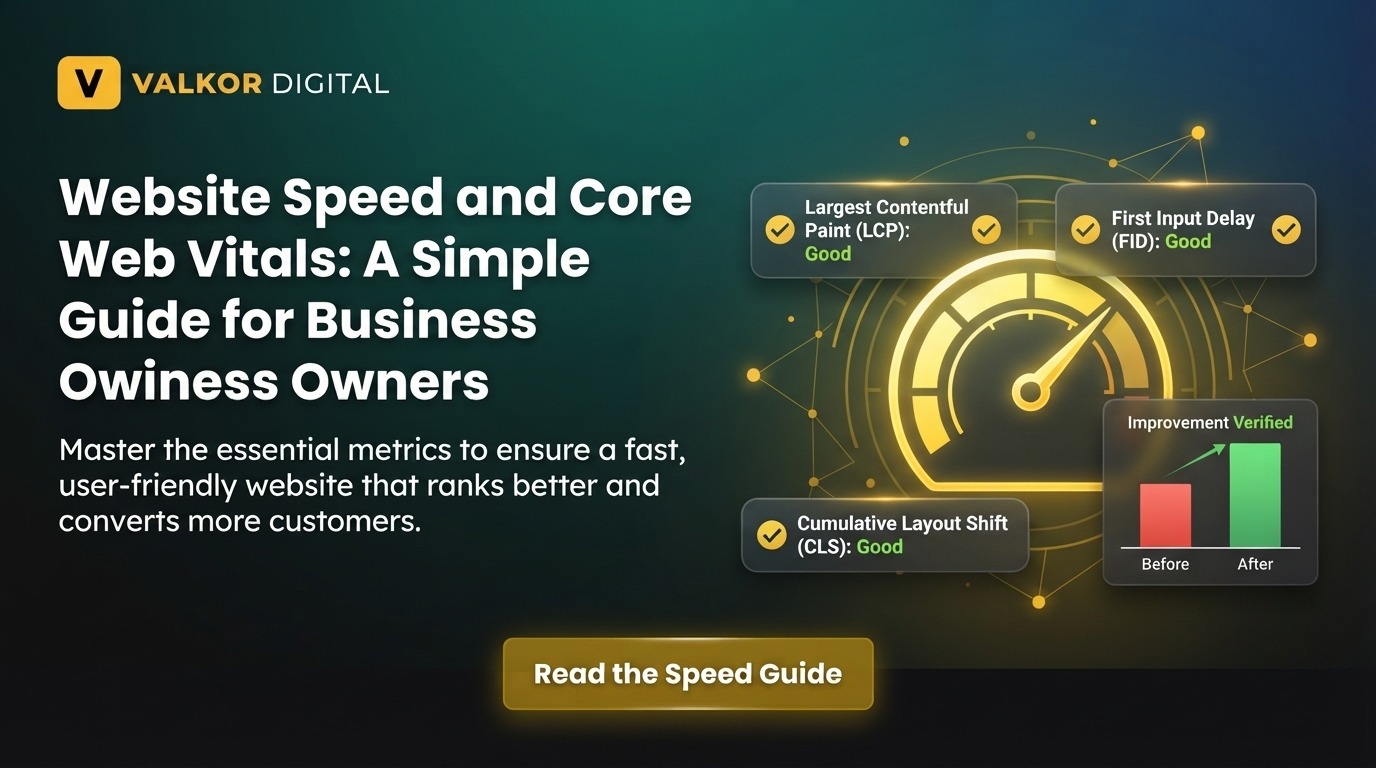
Core Web Vitals are a specific set of metrics introduced by Google to measure how users experience a webpage in terms of loading speed, interactivity, and visual stability. Rather than relying on vague concepts of “fast” or “slow,” these metrics provide concrete, measurable benchmarks that reflect real user experience.
Google considers these metrics an important part of its broader Google page experience signals, meaning websites that perform well across these measures are more likely to rank favorably in search results.
Why Business Owners Should Care About Core Web Vitals
Even if you’re not personally managing your website’s code, understanding Core Web Vitals helps you make informed decisions when working with developers, evaluating hosting providers, or assessing why your website might not be performing as well as expected in search results.
The Three Core Web Vitals Metrics Explained
To fully understand Core Web Vitals, it helps to break down the three specific metrics that make up this standard.
1. Largest Contentful Paint (LCP)
Largest Contentful Paint measures how long it takes for the main content of a page, such as a large image or block of text, to become visible to a visitor. A good LCP score is generally under 2.5 seconds. Slow LCP times often result from unoptimized images, slow server response times, or excessive third-party scripts.
2. Interaction to Next Paint (INP)
Interaction to Next Paint measures how quickly a page responds when a user interacts with it, such as clicking a button or filling out a form. Websites with heavy JavaScript or poorly optimized code often struggle with responsiveness, leading to frustrating delays for visitors.
3. Cumulative Layout Shift (CLS)
Cumulative Layout Shift measures visual stability, specifically how much page elements unexpectedly move around while loading. Ads, images, or embedded content that load without reserved space often cause frustrating layout shifts that negatively affect user experience.
Why Website Speed and SEO Are Closely Connected

Website speed and SEO performance are directly linked, as Google has confirmed page experience as a ranking factor. A slow website not only frustrates visitors but can also hold back rankings, even when content quality is strong.
Beyond rankings, website speed directly affects conversion rates. Studies consistently show that visitors are far more likely to abandon a page that takes too long to load, meaning speed issues can quietly cost businesses both traffic and revenue.
How to Approach Page Speed Optimization
Improving Core Web Vitals scores requires a combination of technical adjustments, most of which can be addressed with the right guidance even if you’re not a developer yourself.
Compress and Optimize Images
Large, uncompressed images are one of the most common causes of slow loading times. Using modern image formats and compression tools can significantly reduce file sizes without noticeably affecting visual quality.
Minimize Unnecessary Scripts and Plugins
Websites, particularly those built on platforms like WordPress, often accumulate unnecessary plugins and scripts over time. Regularly auditing and removing unused elements can meaningfully improve loading speed and responsiveness.
Choose Reliable Hosting
Website speed is heavily influenced by hosting quality. Shared hosting plans, while affordable, often struggle to deliver consistent performance for growing websites, making an upgrade to more reliable hosting a worthwhile long-term investment.
Reserve Space for Dynamic Content
To prevent layout shifts, ensure that images, ads, and embedded elements have defined dimensions before they load, allowing the browser to reserve appropriate space in advance.
Tools to Measure Core Web Vitals
Business owners don’t need advanced technical skills to check their website’s performance, as several free tools make this process straightforward.
Google PageSpeed Insights
This tool provides a detailed breakdown of Core Web Vitals scores along with specific recommendations for improvement, making it a useful starting point for identifying issues.
Google Search Console
Search Console offers a dedicated Core Web Vitals report, showing performance across all indexed pages and highlighting which pages may need attention.
Understanding Google Page Experience Beyond Core Web Vitals
While Core Web Vitals are a major component, Google page experience also considers factors such as mobile-friendliness, safe browsing status, and the absence of intrusive interstitials. A holistic approach to page experience ensures that improvements in one area aren’t undermined by neglecting others.
Common Mistakes Business Owners Make with Website Speed
Many businesses either ignore website speed entirely or attempt quick fixes that don’t address underlying technical issues.
Relying Solely on Caching Plugins
While caching plugins can help, they often mask underlying performance issues rather than resolving them, meaning deeper technical problems may still affect user experience and rankings.
Ignoring Mobile Performance
Since most web traffic now comes from mobile devices, a website that performs well on desktop but poorly on mobile can still significantly hurt overall Core Web Vitals scores and search visibility.
When to Seek Professional Help
Diagnosing and resolving Core Web Vitals issues often requires technical expertise beyond basic plugin adjustments, particularly for larger or more complex websites. Partnering with experienced technical SEO services ensures that performance issues are properly diagnosed and resolved at the root level, rather than relying on temporary workarounds that may not deliver lasting improvement.
Final Thoughts
Understanding Core Web Vitals doesn’t require a technical background, just a clear grasp of why these metrics matter and how they influence both search rankings and user experience. By prioritizing page speed optimization, staying mindful of overall Google page experience standards, and recognizing the connection between website speed and SEO, business owners can make more informed decisions about their website’s performance. Investing in these improvements ultimately supports both stronger search visibility and a better experience for every visitor.
Frequently Asked Questions
What are Core Web Vitals in simple terms?
Core Web Vitals are a set of Google metrics that measure how fast a webpage loads, how quickly it responds to user interaction, and how visually stable it is while loading.
Do Core Web Vitals really affect search rankings?
Yes, Google has confirmed that Core Web Vitals are part of its page experience ranking signals, meaning better scores can positively influence search visibility.
How can I check my website’s Core Web Vitals score?
You can check your scores for free using tools like Google PageSpeed Insights or the Core Web Vitals report available in Google Search Console.
What is a good Core Web Vitals score?
Generally, a good score includes an LCP under 2.5 seconds, a low INP indicating fast responsiveness, and a CLS score under 0.1 for visual stability.
Can improving website speed increase conversions?
Yes, faster websites typically experience lower bounce rates and higher conversion rates, as visitors are more likely to stay and engage with pages that load quickly.